

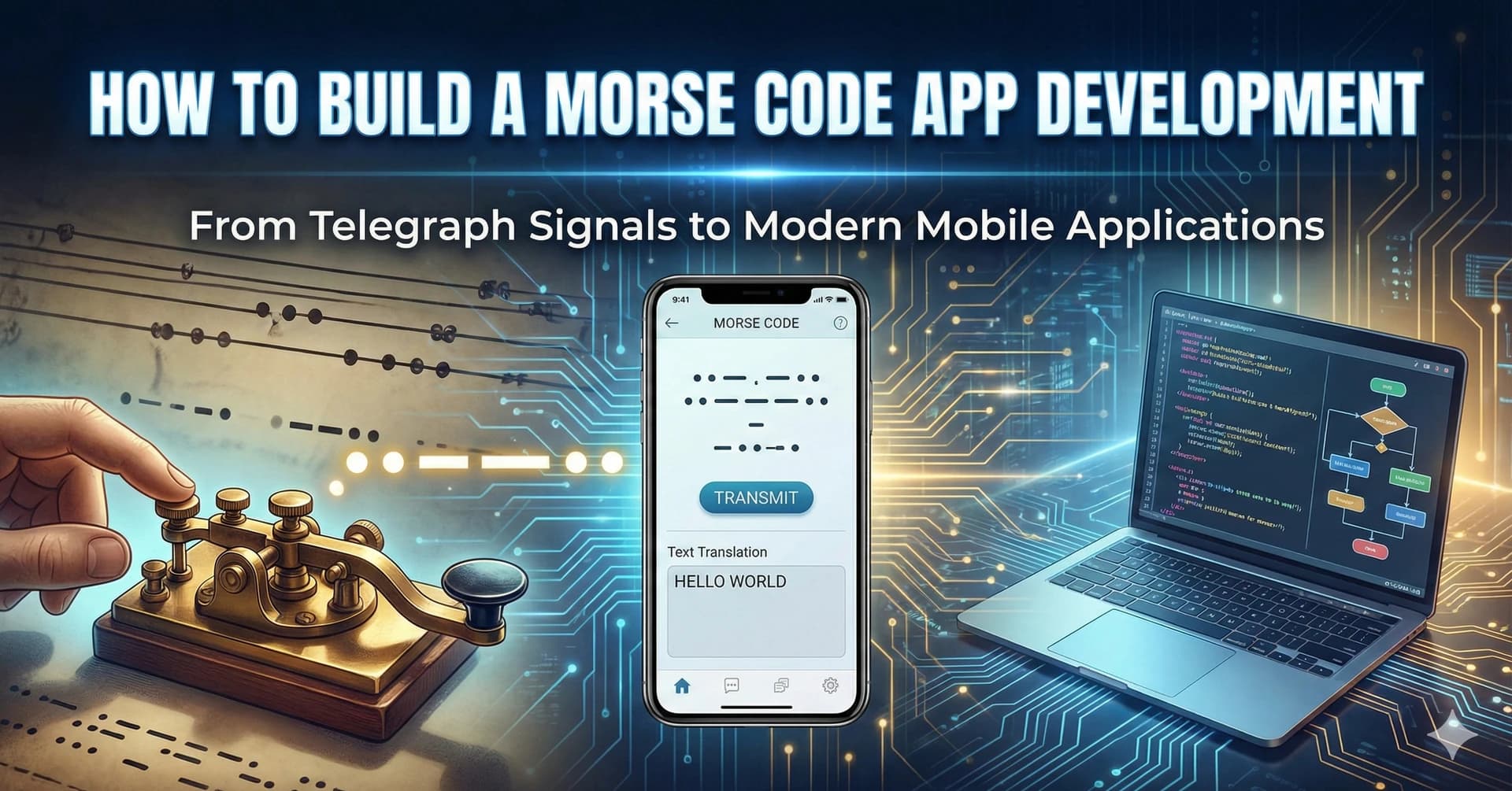
Morse code, a method of encoding text characters as standardized sequences of two different signal durations—dots and dashes—has been a cornerstone of communication for over a century. Despite the advent of modern communication technologies, Morse code remains relevant in various niche applications, including amateur radio, aviation, and emergency situations. Developing a Morse code app can serve educational purposes, provide a tool for enthusiasts, and offer a unique way to communicate in situations where traditional methods may not be available.
Understanding the Requirements
Before diving into development, it's crucial to understand the requirements and features that a Morse code app should include:
Core Features
- Text to Morse Code Conversion: The app should be able to convert plain text into Morse code.
- Morse Code to Text Conversion: Users should be able to input Morse code and have it translated back into readable text.
- Audio Output: The app should generate audio signals (beeps) representing the dots and dashes.
- Visual Output: Visual representations such as flashing lights or on-screen displays can enhance the user experience.
- Input Methods: Support for various input methods, including typing, tapping, or using the device's microphone to detect audio Morse code.
Additional Features
- Learning Mode: Interactive tutorials or games to help users learn Morse code.
- Customization: Options to adjust the speed of transmission, audio frequency, and visual themes.
- History and Favorites: Save frequently used messages or maintain a history of conversations.
- Sharing: Allow users to share Morse code messages via social media or other communication platforms.
Choosing the Technology Stack
The choice of technology stack depends on the target platform—whether it's a web application, a mobile app for iOS and Android, or a desktop application.
Web Application
- Frontend: HTML, CSS, JavaScript
- Frameworks: React, Vue.js, or Angular for building a responsive and interactive user interface.
- Audio API: Web Audio API for generating sounds.
Mobile Application
- iOS: Swift or Objective-C with Xcode.
- Android: Kotlin or Java with Android Studio.
- Cross-Platform: React Native or Flutter for developing apps that run on both iOS and Android.
Desktop Application
- Electron: For building cross-platform desktop apps using web technologies.
- Native Solutions: C# with WPF for Windows, or Swift for macOS.
Development Process
- Setting Up the Development Environment
Depending on your chosen platform, set up the necessary development environment:
- For Web Apps: Install Node.js and a code editor like Visual Studio Code.
- For Mobile Apps: Install Xcode (for iOS) or Android Studio (for Android).
- For Cross-Platform Mobile: Set up React Native or Flutter development environment.
- Designing the User Interface
A clean and intuitive user interface is essential for user engagement. Consider the following:
- Simplicity: Keep the interface simple and easy to navigate.
- Accessibility: Ensure the app is accessible to users with disabilities.
- Responsiveness: The app should work well on different screen sizes and orientations.
- Implementing Core Functionality
Text to Morse Code Conversion
Create a mapping of characters to their Morse code equivalents:
const morseCodeMap = {
  'A': '.-',   'B': '-...',  'C': '-.-.',  'D': '-..',   'E': '.',
  'F': '..-.',  'G': '--.',   'H': '....',  'I': '..',    'J': '.---',
  // ... include all characters
};

function textToMorse(text) {
  return text.toUpperCase().split('').map(char => {
    return morseCodeMap[char] || '';
  }).join(' ');
}
Morse Code to Text Conversion
Reverse the mapping:
const morseToTextMap = Object.fromEntries(
  Object.entries(morseCodeMap).map(([k, v]) => [v, k])
);

function morseToText(morse) {
  return morse.split(' ').map(code => {
    return morseToTextMap[code] || '';
  }).join('');
}
Audio Output
Use the Web Audio API to generate beep sounds:
function playMorse(morseCode) {
  const audioContext = new (window.AudioContext || window.webkitAudioContext)();
  const dotDuration = 100; // milliseconds
  const dashDuration = dotDuration * 3;
  const symbolGap = dotDuration;
  const letterGap = dotDuration * 3;

  let time = audioContext.currentTime;

  morseCode.split('').forEach(symbol => {
    if (symbol === '.') {
      playTone(audioContext, time, dotDuration);
      time += (dotDuration + symbolGap) / 1000;
    } else if (symbol === '-') {
      playTone(audioContext, time, dashDuration);
      time += (dashDuration + symbolGap) / 1000;
    } else if (symbol === ' ') {
      time += letterGap / 1000;
    }
  });
}

function playTone(context, time, duration) {
  const oscillator = context.createOscillator();
  oscillator.type = 'sine';
  oscillator.frequency.setValueAtTime(600, time); // Frequency in Hz
  oscillator.connect(context.destination);
  oscillator.start(time);
  oscillator.stop(time + duration / 1000);
}
- Testing
Thoroughly test the app to ensure all features work as expected:
- Unit Testing: Test individual functions and components.
- Integration Testing: Ensure different parts of the app work together seamlessly.
- User Acceptance Testing: Get feedback from real users to identify usability issues.
- Deployment
- Web App: Deploy to hosting services like Netlify, Vercel, or GitHub Pages.
- Mobile App: Submit to the Apple App Store and Google Play Store following their respective guidelines.
- Desktop App: Distribute via official channels or your own website.
Best Practices
- Code Quality: Write clean, maintainable code with proper documentation.
- Security: Protect user data and ensure secure communication if the app includes online features.
- Performance: Optimize the app for speed and responsiveness.
- Updates: Regularly update the app to fix bugs and add new features.
Conclusion
Developing a Morse code app is a rewarding project that combines historical communication methods with modern technology. By carefully planning the features, choosing the right technology stack, and following best development practices, you can create an app that is both functional and engaging. Whether for educational purposes, hobbyist use, or emergency communication, a well-designed Morse code app can serve a variety of needs and keep this timeless form of communication alive in the digital age.